Demo: Creating Print-Ready Covers from Ebooks
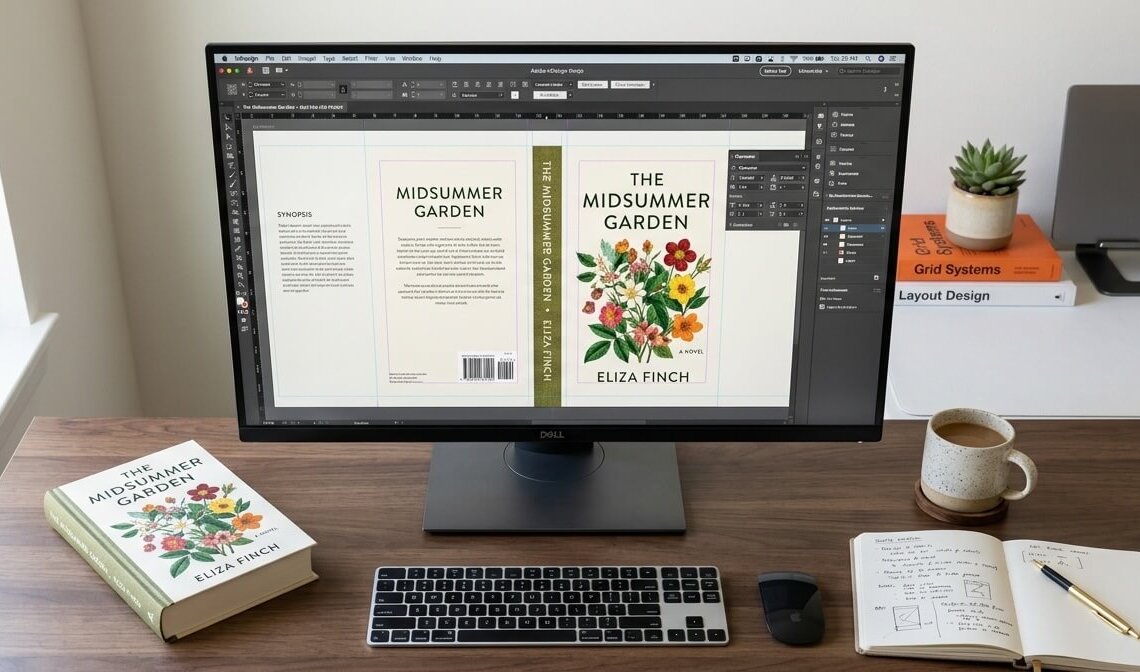
What do you do if you have a great cover for your ebook, but you want to make your book available for print.
You not only need a full wrap that includes the spine and back cover, but you also need a higher resolution file (and potentially flaps for a hardcover dust jacket!)
Today, we share different approaches that you can use to create your covers, including:
- simple solid-background covers
- busy edge-to-edge artwork
- reusing or expanding original imagery
- duplicating and reversing existing artwork
- and using AI tools to expand images
All while considering print-on-demand binding shift and barcode placement, with walkthrough demos in Canva and Photoshop.

This is for Apex Authors
JOIN NOW FOR FREEApex Authors is the premier online community of modern independent publishers in the world. Become an Apex Author today and get access to all of our training and archives, as well as our proprietary software tools to help you publish and sell your books!
Already an Apex Author? Click here to sign in.