Training #650 — Bulletproof Backups
Ask most authors where their manuscript is backed up, and you’ll probably hear, “It’s in Dropbox.”
Ask where their cover source files, font licenses, ISBN records, contracts, ad graphics, and audiobook masters are, and things tend to get quieter.
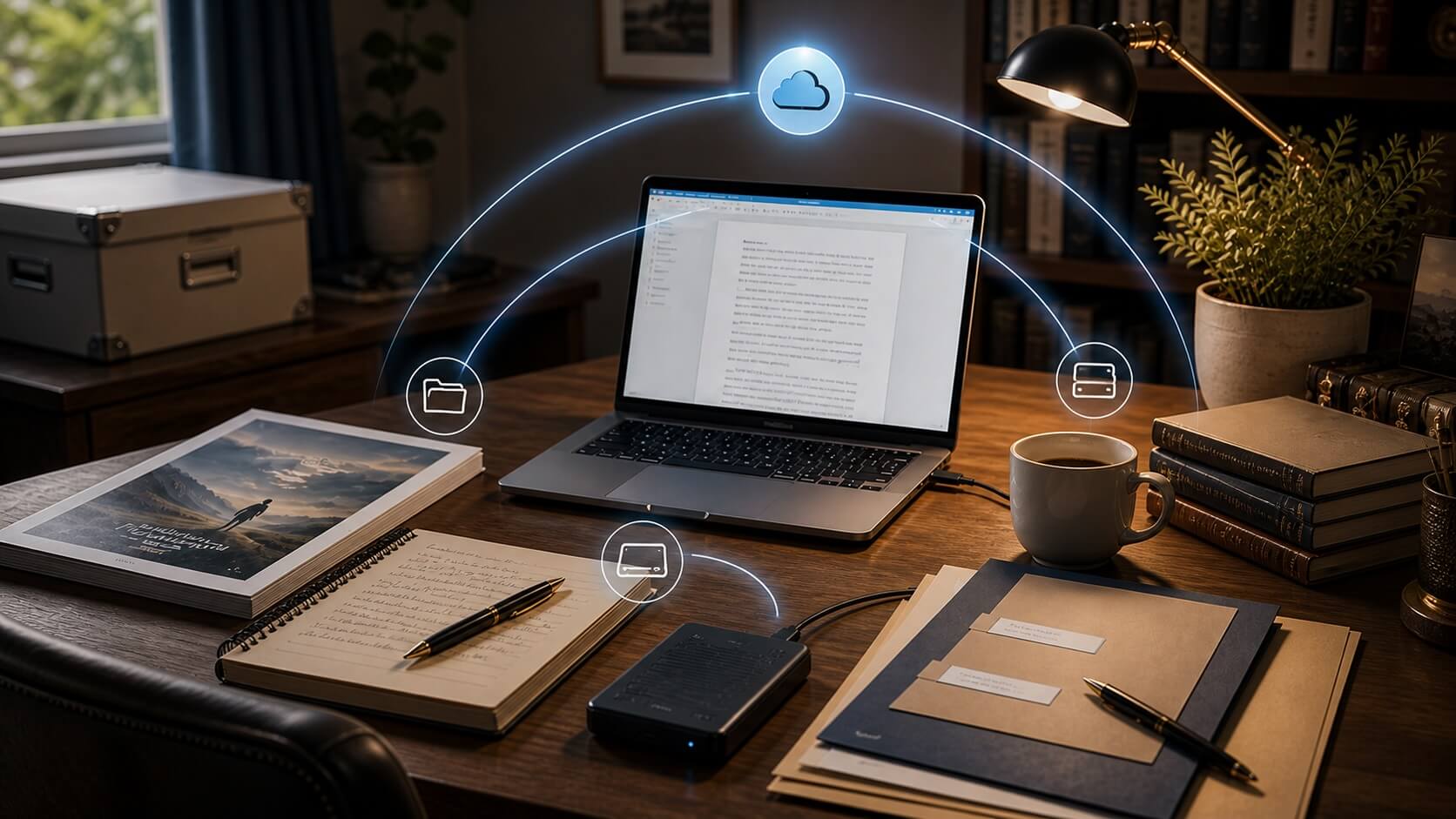
Here’s the uncomfortable part: sync is not the same thing as backup.
Dropbox, iCloud, OneDrive, Google Drive, and (the solution we use) Synology Drive are designed to mirror your changes everywhere; including the deletion you didn’t mean to make. That isn’t a malfunction. That’s the feature working perfectly.
In this training, we cover:
- What’s genuinely at risk beyond your manuscript
- The three-part backup setup that works for most author businesses
- How to protect yourself from drive failure, accidental deletion, theft, and ransomware
- How to make sure someone else could reach your files if you couldn’t
- The difference between syncing, backing up, and archiving
You’ll leave with a completed one-page Emergency Plan, an updated resource guide, and a folder template you can begin using immediately.
This is for Apex Authors
JOIN NOW FOR FREEApex Authors is the premier online community of modern independent publishers in the world. Become an Apex Author today and get access to all of our training and archives, as well as our proprietary software tools to help you publish and sell your books!
Already an Apex Author? Click here to sign in.